

The Unstructured Data Parser
Instantly converting messy text, PDFs, and notes into clean tables and spreadsheets.

There is a special circle of hell reserved for people who bury critical data in an email that reads less like a business update and more like a toddler explaining a dream after three cupcakes.

You know the email. It looks like this:
“Hey James, just wanted to update you on the new hires. We got Sarah Jenkins starting Monday, she’s gonna be in Marketing, salary is 85k. Then there’s Mike Ross in Engineering, he’s starting the week after, 120k for him. Oh and we hired a freelancer, Dave, for the design project, flat fee of 5k.”
If you are a normal human being, you read that and think, “Okay, cool.”
If you are a business owner, an operations manager, or anyone who has to actually do something with that data, you look at that email and you want to scream. Because that isn’t data. That is a story. And you can’t put a story into a spreadsheet. You can’t run a payroll report on a paragraph.
To make that useful, you have to open Excel. You have to type “Sarah Jenkins” in column A. “Marketing” in column B. “85,000” in column C. You have to do the mental translation of “starting Monday” into an actual date format like “12/08/2025.”
It takes two minutes. No big deal, right?
But what if you have 50 of those emails?
What if you have 500 PDF invoices from contractors who all use different templates?
What if you have a 40-page legal contract and you need to extract every single deadline and deliverable into a project management tracker?
This is the Unstructured Data Problem. And from what I’ve seen working with clients over the last decade, it’s a silent killer of productivity in the modern economy.
We live in a world that runs on databases (SQL, Excel, CRMs), but we communicate in messy, chaotic human language. The bridge between those two worlds has always been manual human labor. We pay smart people to act as “human APIs,” copy-pasting text from one window to another until their eyes glaze over.
I ran into this head-first earlier this year with a client. Mike runs a mid-sized construction firm just outside of Tacoma. He’s an old-school guy, built the business with his bare hands. But he was drowning.
“James,” he told me, sitting in his trailer office while rain hammered the metal roof, “I’m spending my weekends doing data entry. My guys send me photos of receipts. My vendors send me PDF invoices. My foremen text me supply orders. I have to get all of this into QuickBooks or we don’t know if we’re making money or losing it on a job.”
He showed me his “system.” It was a physical inbox overflowing with crumpled paper and a phone full of screenshots. He was the bottleneck. He was the human parser.
I looked at him and saw a man who was burning out, not because the work was hard, but because the data was messy.
“Mike,” I said, “We’re going to fire you from this job. Tonight.”
We didn’t hire an assistant.
We didn’t buy a $5,000 enterprise OCR (Optical Character Recognition) system.
We used a Large Language Model.
See, the utility of LLMs isn’t that they can write poetry or code. It’s that they are fuzzy logic engines. They can look at a messy blob of text like a photo of a crumpled receipt or a rambling email and understand the intended structure hidden inside it.
They can turn chaos into rows and columns.
Today, I’m going to show you the exact system I built for Mike, and how you can use it to turn any mess of text into a clean, beautiful spreadsheet in seconds.
The “Square Peg, Round Hole” Problem
Before AI, if you wanted to automate data extraction, you had to use something called RegEx (Regular Expressions). It’s a way of telling a computer, “Look for a pattern that has two numbers, a slash, two numbers, a slash, and four numbers.” That’s a date.
But what if the date is written “Oct 12th”?
The code breaks.
What if it’s “Next Tuesday”?
The code breaks.
Traditional software is brittle. It needs the world to be perfect.
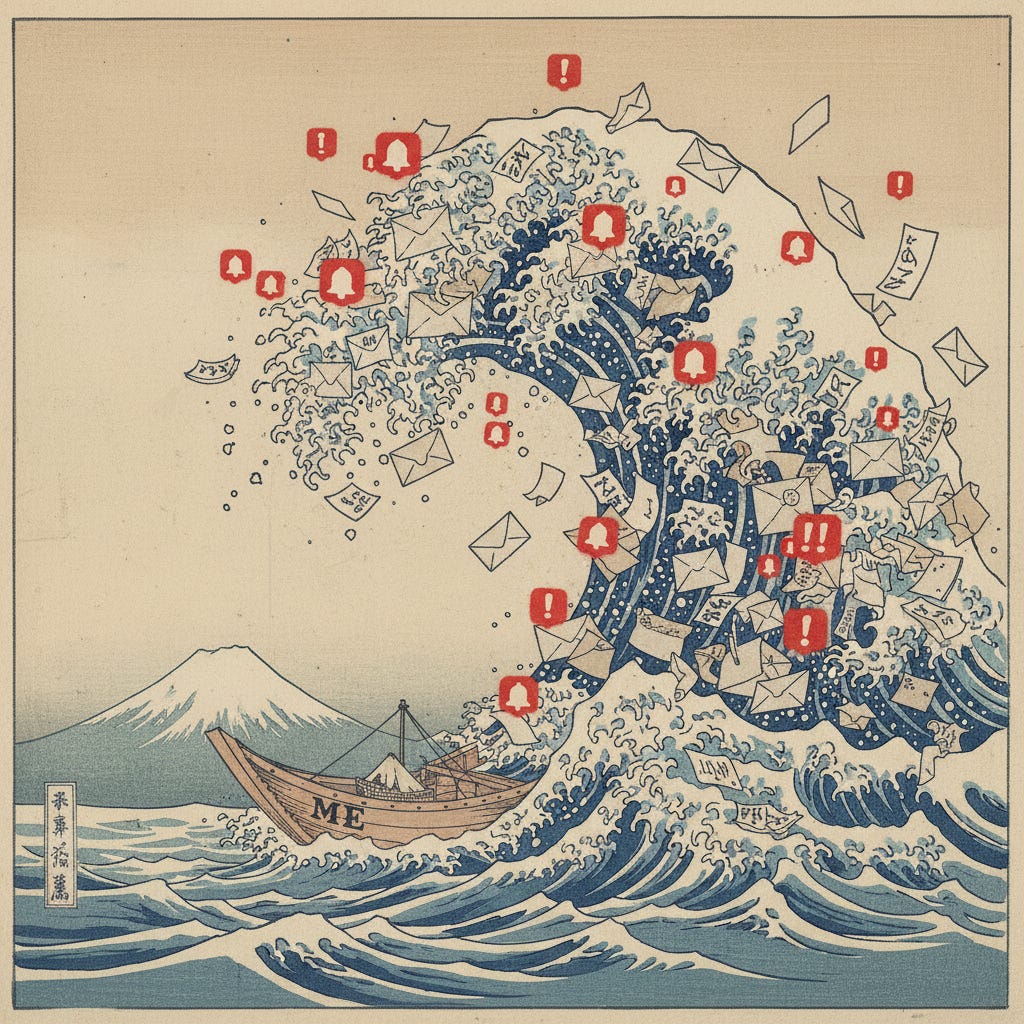
AI is flexible. It understands that “Next Tuesday” is a date relative to today. It understands that “Total Owed” and “Amount Due” mean the same thing.
This capability allows us to build what I call the Universal Parser.
Step 1: The “Schema” Definition (Defining the Target)
The biggest mistake people make is just pasting text into ChatGPT and saying “Make this a table.” The AI will try, but it will guess at the column headers. It might give you “Name” in one row and “Employee” in the next.
To get professional-grade results, you have to define the Schema.
A schema is just a fancy way of saying “The Empty Excel Sheet.” You need to tell the AI exactly what columns you want and what kind of data goes in them.
For Mike, the construction business owner, we needed to process invoices. So we defined our schema:
Vendor Name: (Text)
Invoice Date: (YYYY-MM-DD format)
Invoice Number: (Text/Number)
Total Amount: (Currency, no symbols)
Job Site: (Text, inferred from context if possible)
Line Items: (A list of what was bought)
Step 2: The “Parser” Prompt
This is the engine. This prompt turns the AI into a ruthless data extraction machine. I use this template for everything from processing resumes to cleaning up email lists.
The Master Parser Prompt:
Keep reading with a 7-day free trial
Subscribe to Smart Prompts For AI to keep reading this post and get 7 days of free access to the full post archives.