

The “Email-to-Task” System
A 30-Second Utility to Turn Rambling Emails into Action Items.

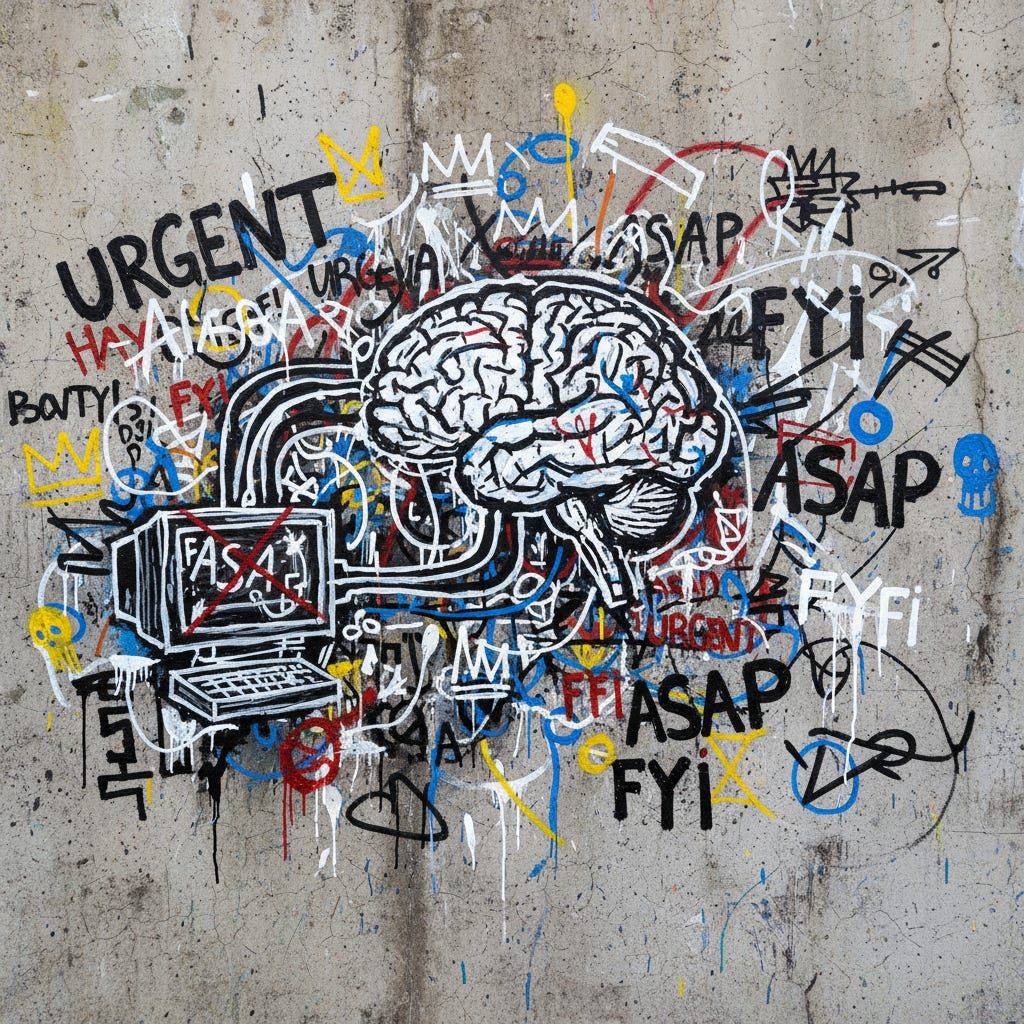
Lets talk about how to stop from drowning in “stream of consciousness” updates and start getting actual work done.
There is a specific genre of email that makes me want to close my laptop, grab my Australian Shepherd, and walk directly into the Olympic National Forest to live as a hermit.
You know the one.
It usually comes in at 4:45 PM on a Friday, or worse, 8:00 AM on a Monday. It’s from a client, a boss, or a well-meaning stakeholder. The subject line is something helpful like “Thoughts” or “Update.”
And the body of the email is a wall of text.
It’s a stream-of-consciousness brain dump. It’s 800 words of mixed metaphors, half-baked ideas, contradictory instructions, and buried somewhere in the middle of paragraph four, a critical deadline that, if missed, will cost you the account.
I call these “Haystack Emails.”
They are full of hay, and your job is to find the needle (yay 🎉).
I ran into this head-first just a few months ago. I was consulting for a creative agency down in Pioneer Square here in Seattle. They were doing great work, but their biggest client was driving them insane. The client’s VP of Marketing, let’s call him “Gary,” was a nice guy, but he communicated exclusively in Haystack Emails.
The agency owner, Kat, showed me one. It was a masterpiece of chaos. It started with a complaint about the weather, segued into a thought about a competitor’s Super Bowl ad, asked for a logo resize, mentioned a budget cut for Q3, and then ended with a request to “revamp the entire landing page strategy by Thursday.”
Kat looked at me, exhausted. “James, my project managers spend two hours every morning just decoding Gary. We’re terrified we’re going to miss something. We’re not doing creative work anymore; we’re doing forensic linguistics.”
This is the hidden tax of the modern workplace. We talk a lot about “AI replacing jobs,” but right now, the biggest threat to our productivity isn’t a robot; it’s the sheer, unmitigated noise of human communication. With the chaotic shift back to hybrid work in 2024 and 2025, it’s gotten worse. People are having hallway conversations, forgetting what they said, and then dumping a panic-email to the remote team to “catch everyone up.”
We are drowning in unstructured data.
For years, my advice was “ask them to clarify.”
But let’s be real: you can’t always tell your biggest client to learn how to write bullet points. You have to deal with the reality as it is.
The solution isn’t to read faster. It’s to stop reading like a human and start processing like a machine.
I realized that Large Language Models (LLMs) are actually terrible at being “creative” in the human sense, but they are world-class at one specific thing: Extraction. They can look at a mess of text, identify the entities (tasks, dates, names), and restructure them into a clean format.
So, we built a system for Kat. We stopped treating Gary’s emails as correspondence and started treating them as raw data. We built the “Email-to-Task” System.
It takes about 30 seconds to run. It saves hours of anxiety. And today, I’m going to give you the exact prompts and workflow so you never have to fear a Haystack Email again.
The Psychology of the “Haystack”
Before we get to the prompts, it helps to understand why this works so well.
When you read a chaotic email, your brain is doing two things at once:
Comprehension: Trying to understand the words and the tone.
Triage: Trying to figure out what you actually need to do.
This is cognitive overload. It’s why you feel tired after reading just one of these messages. You’re trying to be empathetic and operational simultaneously.
The “Email-to-Task” System separates these functions. You let the AI handle the ruthless extraction of facts and tasks so you can focus on the comprehension and the actual work.
It turns a subjective mess into an objective checklist.
Step 1: The “Ruthless Project Manager” Prompt

This is the prompt is designed to strip away the fluff, the weather reports, and the “hope you had a great weekend” filler, and leave you with a cold, hard list of deliverables.
I set this up for Kat, and she told me later that it felt like “putting on noise-canceling headphones for my eyes.”
How to use it:
Copy the prompt below.
Open a fresh chat with ChatGPT, Claude, or Gemini.
Paste the prompt.
Paste the chaotic email below it.
The Prompt:
BLACK FRIDAY SPECIAL
I wanted to do something for the folks who are ready to go deeper with practical AI.
So, here’s a straightforward deal: 30% off an annual subscription, for life.
It’s for the first 50 people who sign up before Nov 30th.
As long as you’re a subscriber, you keep the discount.
This is the best price I’ll ever offer.
If you’ve been on the fence, now’s the time.
Keep reading with a 7-day free trial
Subscribe to Smart Prompts For AI to keep reading this post and get 7 days of free access to the full post archives.